Agenda, reminders & Today Progress
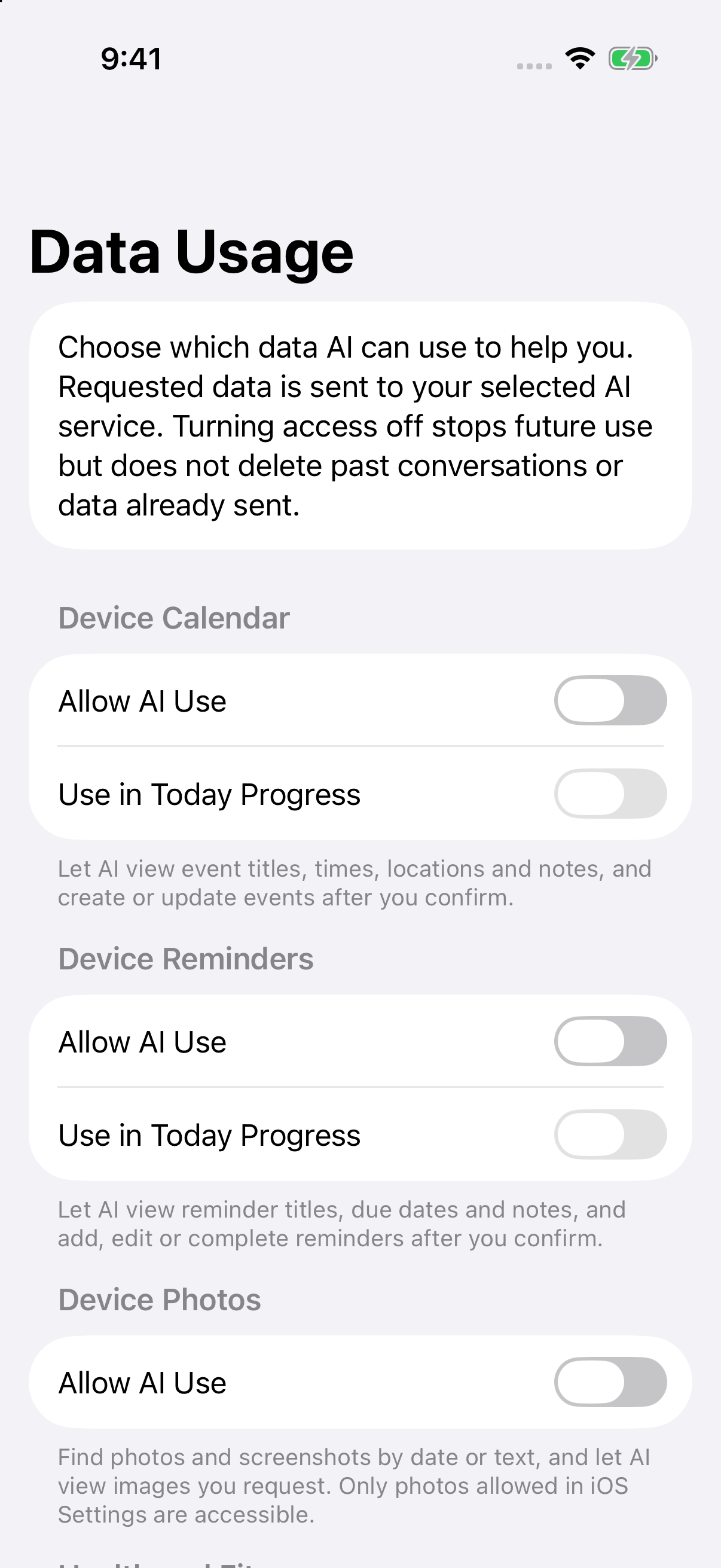
On iOS, choose the sources AI may use in Settings > Data Usage. The app also requests the corresponding system permission when needed.
- “Check tomorrow’s calendar and find time to prepare for the review.”
- “Remind me to send the review materials tomorrow at 3 PM, with an alert at the due time.”
- “Move the review you just found to 4 PM and keep the other details.”
- “Start a 25-minute focus timer.”
Calendar, reminder, and alarm writes show their target, content, times, and alerts before confirmation. A reminder’s due date is separate from its notification time; explicitly ask for an alert when you want one.
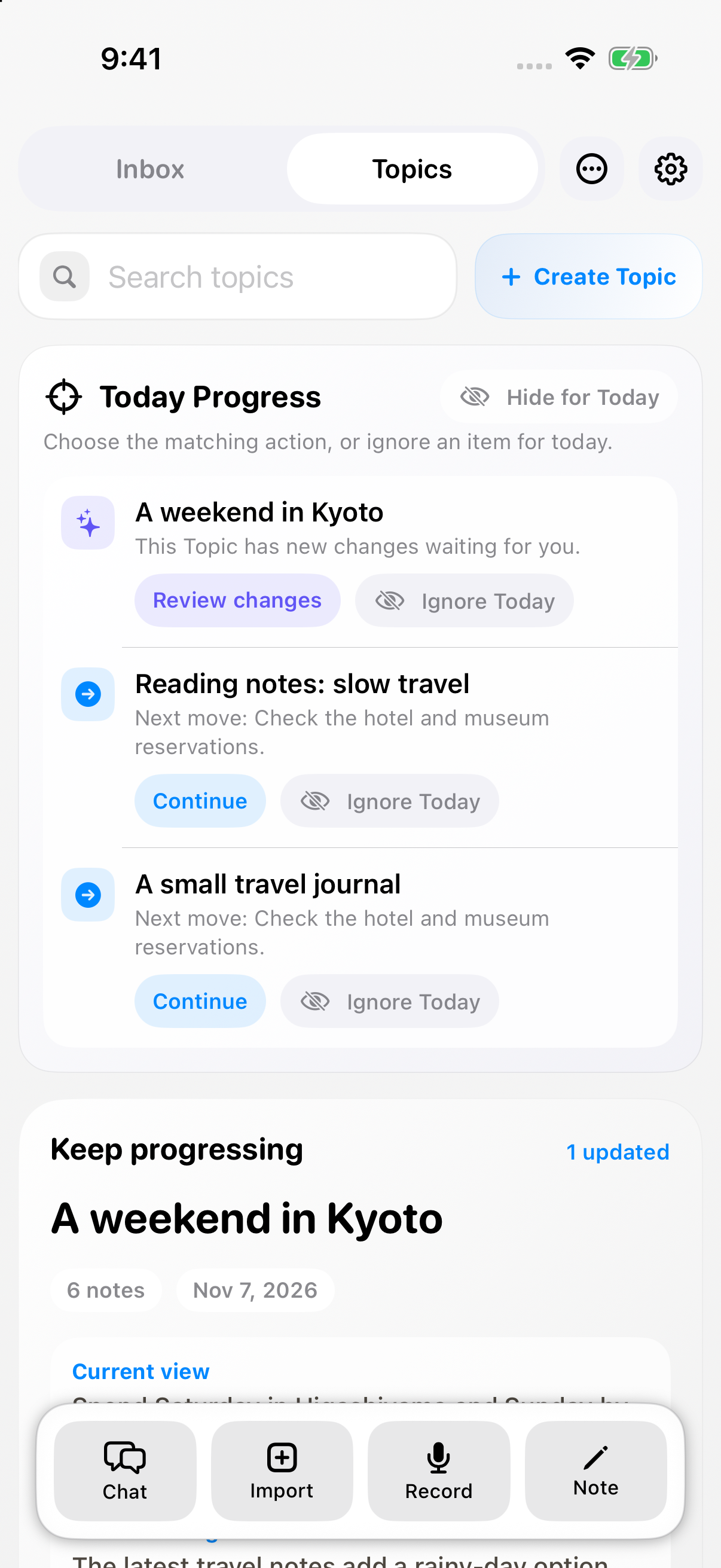
Today Progress can surface a few useful next actions from notes, Topic changes, and calendars or reminders you separately allow for this purpose. Ignore a suggestion for the day or turn the section off in settings.
Scope: Calendar and reminder queries cover up to 31 days per request; reminder queries return unfinished items. Alarms and timers can only access items created by AnyNotes, not alarms in Apple’s Clock app. Photo search uses permitted photos, dates, and text recognition. Health access reads steps, sleep, and workouts without writing health records. Location is a single foreground lookup. Chats containing health data cannot be saved as synced notes.