Meeting notes & follow-up
You want to listen properly in a meeting, but you also want to remember what was agreed. Trying to do both can leave you with plenty of hurried notes and no clear distinction between a decision and an idea somebody floated.
Consider a pre-release meeting: the team needs to agree the scope and assign the remaining tests and help pages. Record the discussion, check the decisions afterwards, and arrange the follow-up.
Prepare the agenda and previous decisions
For an ongoing project, create a Topic and add the agenda, background material, and previous decisions. Start the recording there so later notes can stay with the same work.
A one-off conversation can start directly from the home screen. You do not need a filing system before you record; decide whether it belongs in a Topic afterwards.
Review the live notes and transcript
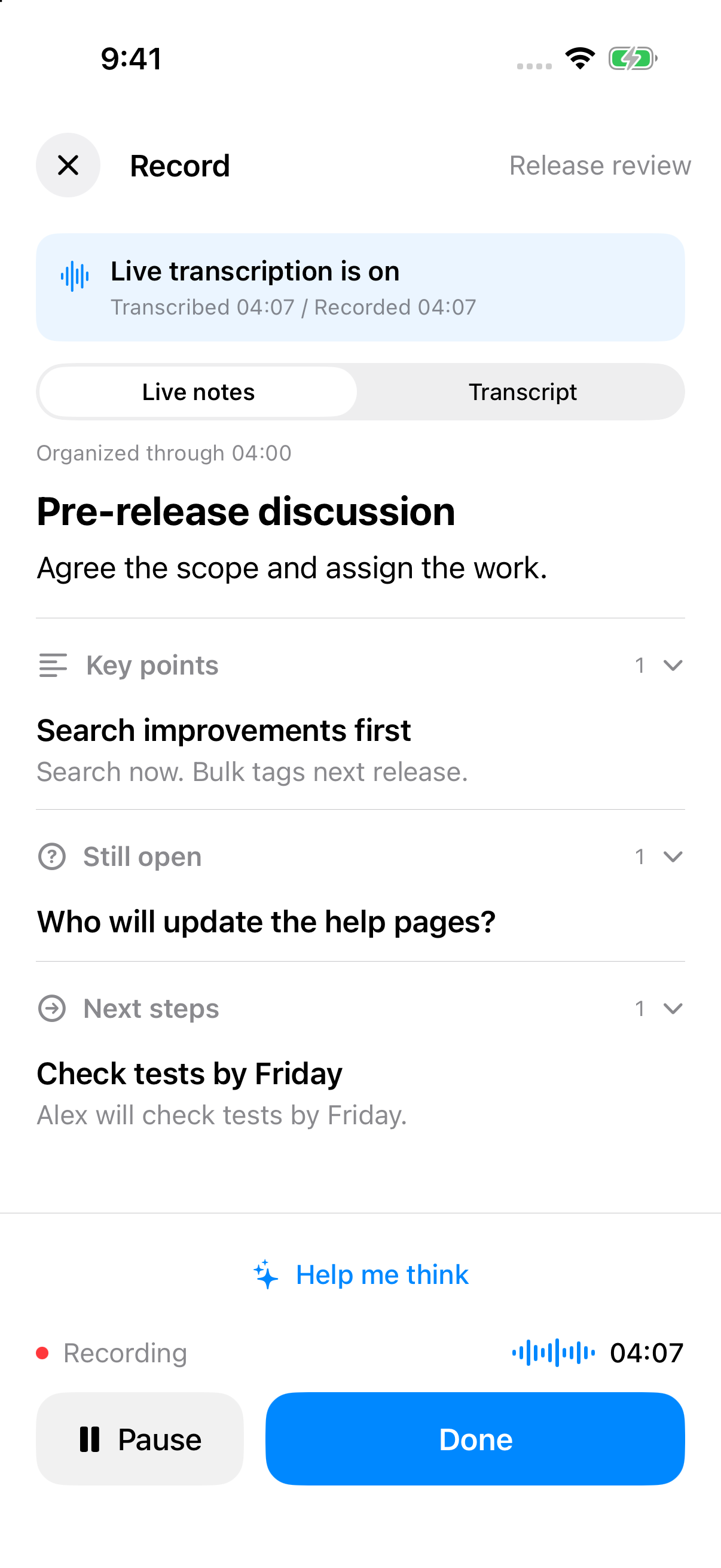
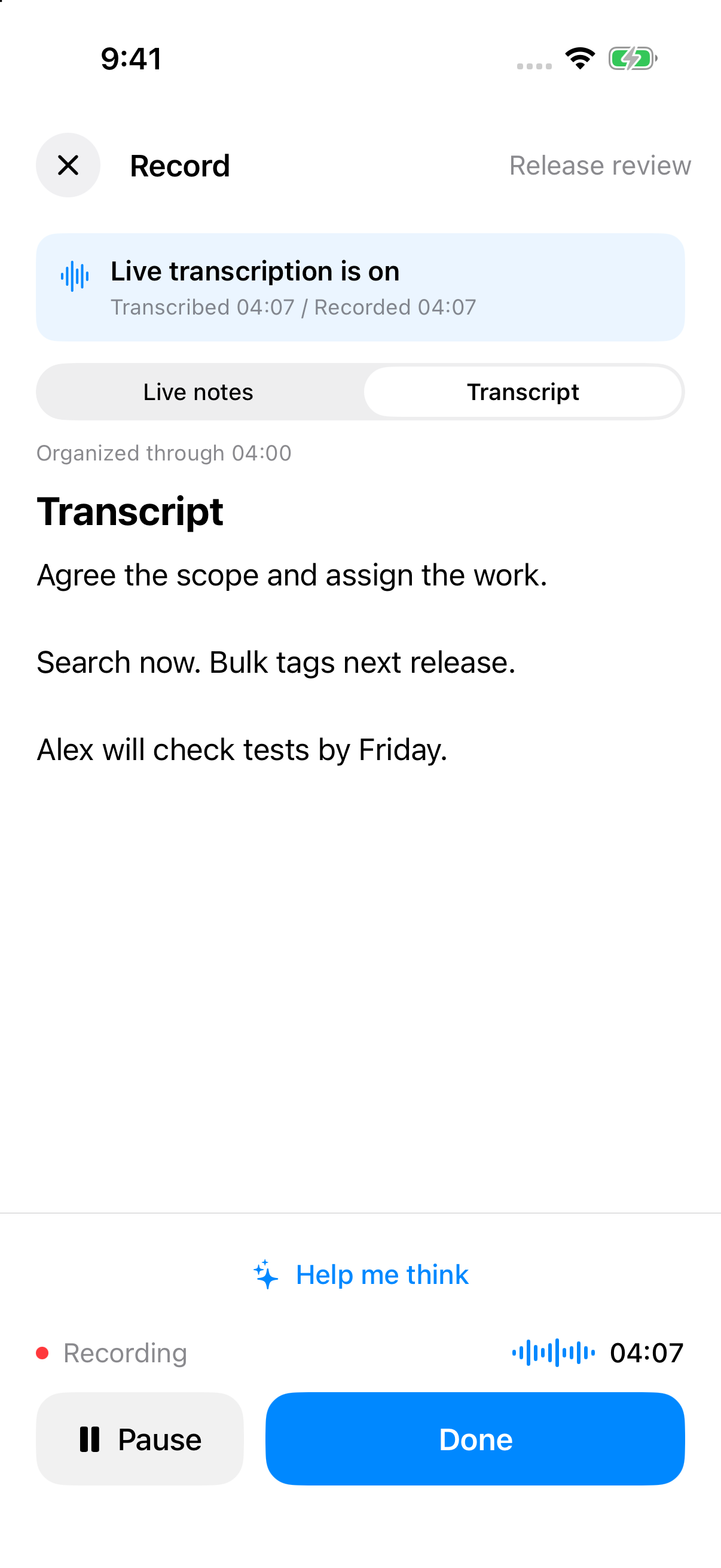
Start recording and carry on talking. On iOS in API-key mode, live organization can help you follow the main points, unresolved questions, and possible next steps. Switch to the transcript when you need to check what was actually said.
If the discussion gets stuck, ask for guidance. You might notice that everyone is suggesting options without agreeing whether time, cost, or completeness matters most. Use that as a reason to ask a better question, rather than interrupting for every AI suggestion.
Treat the live notes as a working view. Someone may change their mind later in the conversation.
Separate what was agreed from what is still open
Finish and save the recording. Once the complete transcription and organization are ready, check the note, paying particular attention to names, dates, amounts, and uncertain statements. Then open a contextual conversation from it:
Write meeting notes I can send to the participants. Start with decisions, then action items, then open questions. Use owners and dates only when explicitly stated; otherwise mark them as unconfirmed. Do not turn a proposed option into an agreed decision.
“We could consider this” belongs under options. “I will check by Friday” is a task whose speaker and exact date need checking. “Someone should follow up” is still missing an owner. Leaving those gaps visible is more helpful than producing a perfectly filled table.
Arrange the follow-up that matters
Not every action needs a notification. Choose the time-sensitive tasks that are easy to forget, then be explicit:
Remind me on Friday at 10 a.m. to ask Alex about the search test results, with a notification at that time.
On iOS, enable reminder access as needed and review the task, date, time, and notification before confirming. A due time and a notification time are different settings. Suggested actions during recording also need review; finishing the recording does not run them automatically.
Make the next conversation easier
Add updated dates, quotes, and follow-up discussions to the same Topic. Before the next meeting, review what changed and which questions remain open.
For interviews, the useful output may be views and supporting evidence. For a retrospective, it may be what to change next time. Ask for the record you actually need.
Live organization during recording requires an API key. Codex sign-in also supports recording, with transcription and organization after saving.