Recording & live notes
Use this for discussions, interviews, learning, or talking through your own ideas.
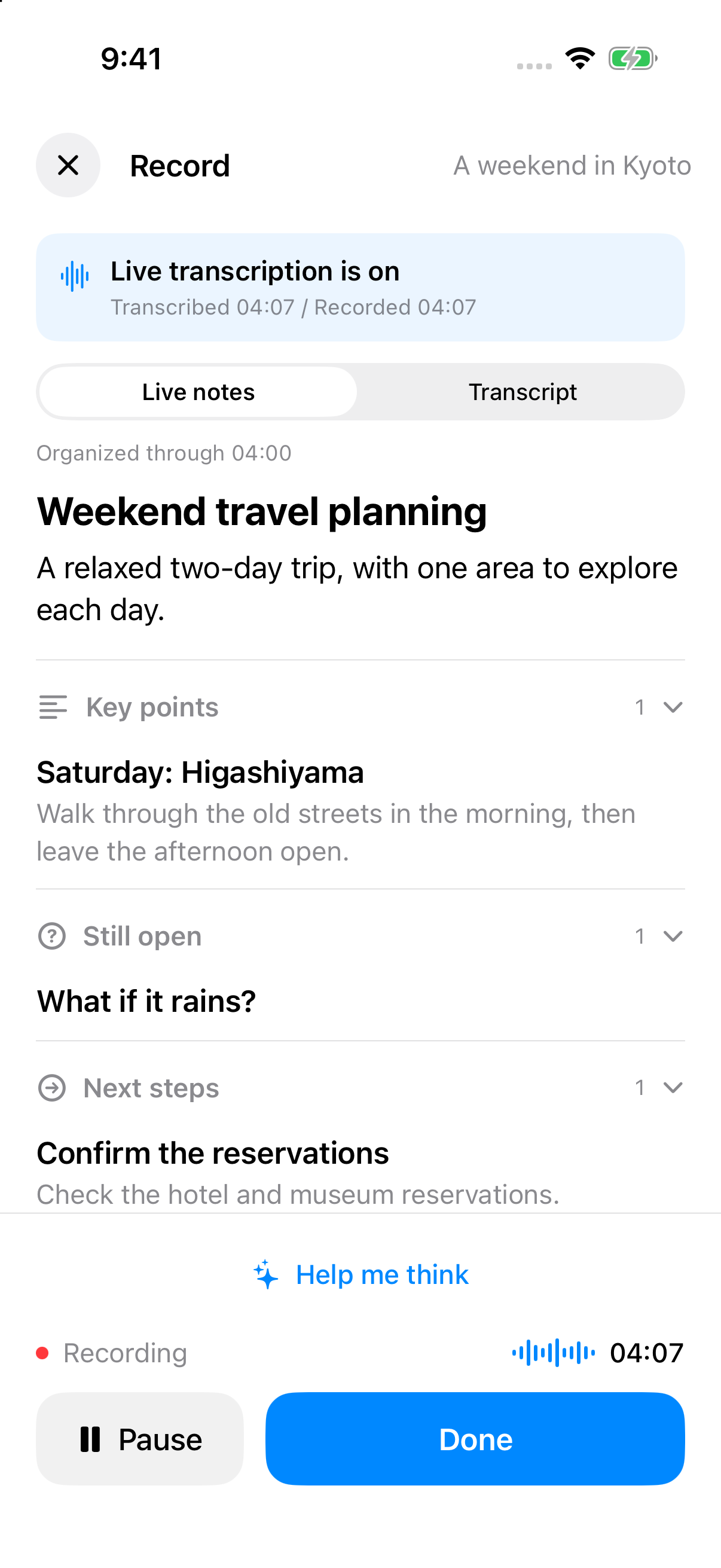
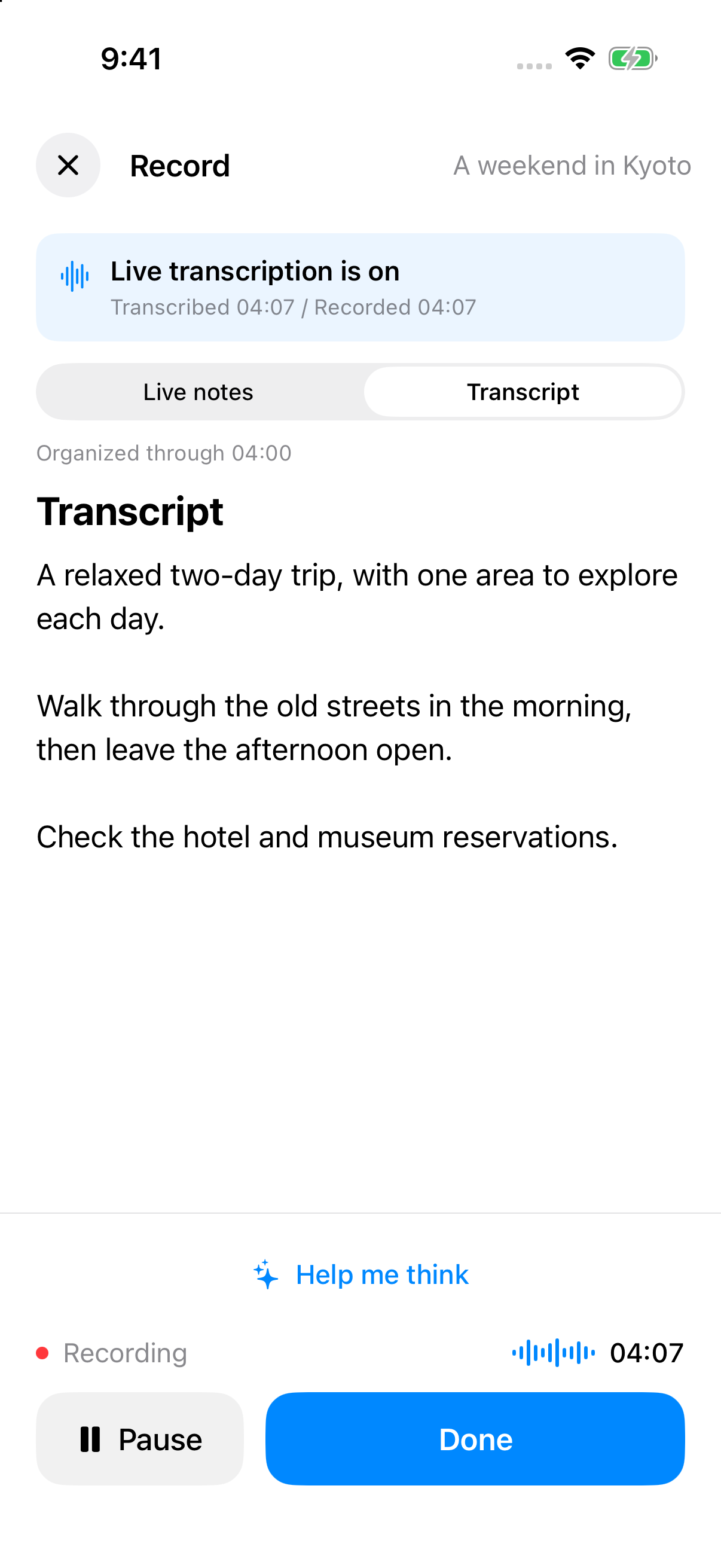
- Choose Record. Start inside a Topic when the material belongs to that project.
- In API-key mode, switch between Live notes and Transcript to follow key points, open questions, and next steps.
- Ask for guidance with Help me think. Suggestions stay separate from your original speech; live notes are provisional.
- If optional actions appear, choose Review details. Recording pauses so you can edit the title, dates, alerts, or app action before confirming execution.
- Resume recording manually or choose Done to save. The complete recording is still transcribed and organized after saving.
Try this after saving:
List the decisions, unresolved questions, and actions from this discussion. Include owners only where someone was explicitly named.
Live insights currently require an API key. Codex sign-in still supports recording and transcription after saving. If the live connection drops, reconnect on the recording screen and check transcription progress. Suggestions and finishing a recording do not execute actions automatically; cancelling a recording does not undo external actions you already confirmed.