
Files, images & Skills
Attach material in AI Chat and describe the result, format, and intended use.
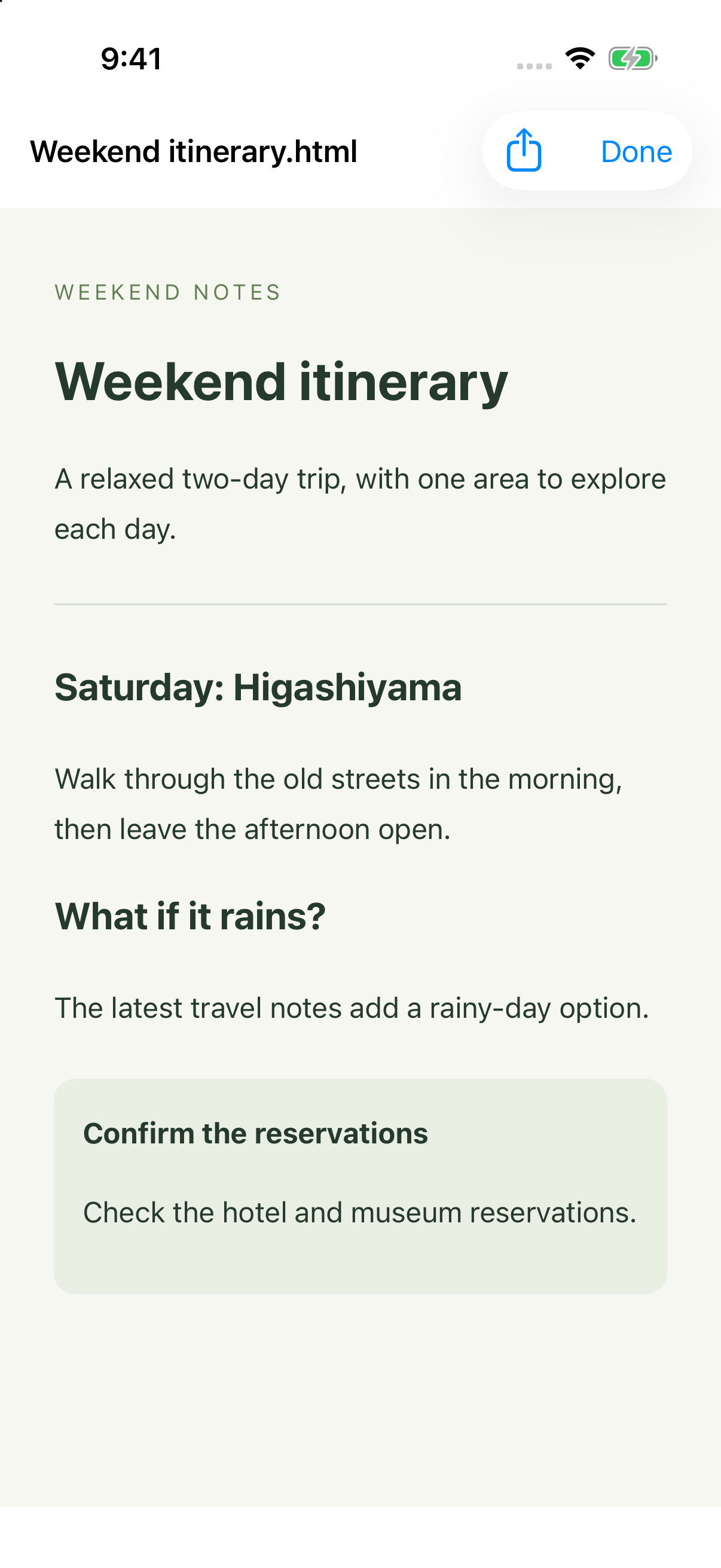
- “Create a project brief from these notes, with conclusions and open questions, as a shareable file.”
- “Read this data file, calculate monthly totals, and give me a chart and the result file.”
- “Explain this Topic as a knowledge card for someone new to it.”
- “Change this image’s colors while preserving the content and composition.”
Preview, save, or share files and images from tool details. AI Chat supports image generation and editing. Selecting GPT Image 2.6 in API-key mode also enables GIF and SVG requests. GIF and SVG support new generation only; reference-image edits produce PNG. Availability depends on the selected model and service. A note’s result image is another way to share organized content.
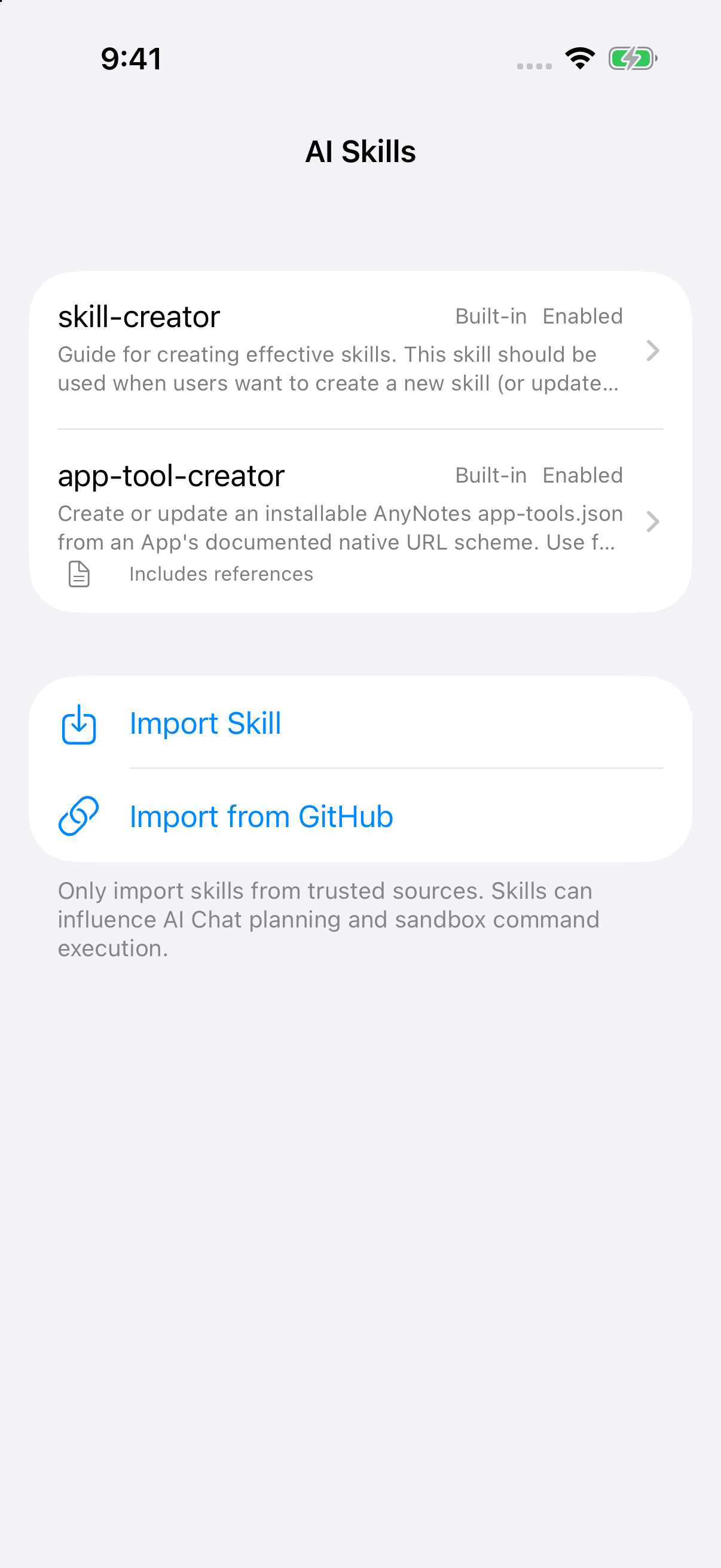
Import reusable instructions from ZIP or GitHub in Settings > Tools & Skills > Skills, enable them, and ask AI to use them. The Sandbox provides an on-device Linux environment for scripts, calculations, and file processing. Open a command activity to see real output or stop it; the terminal panel is read-only. AI services and package downloads need a network connection.