Getting started
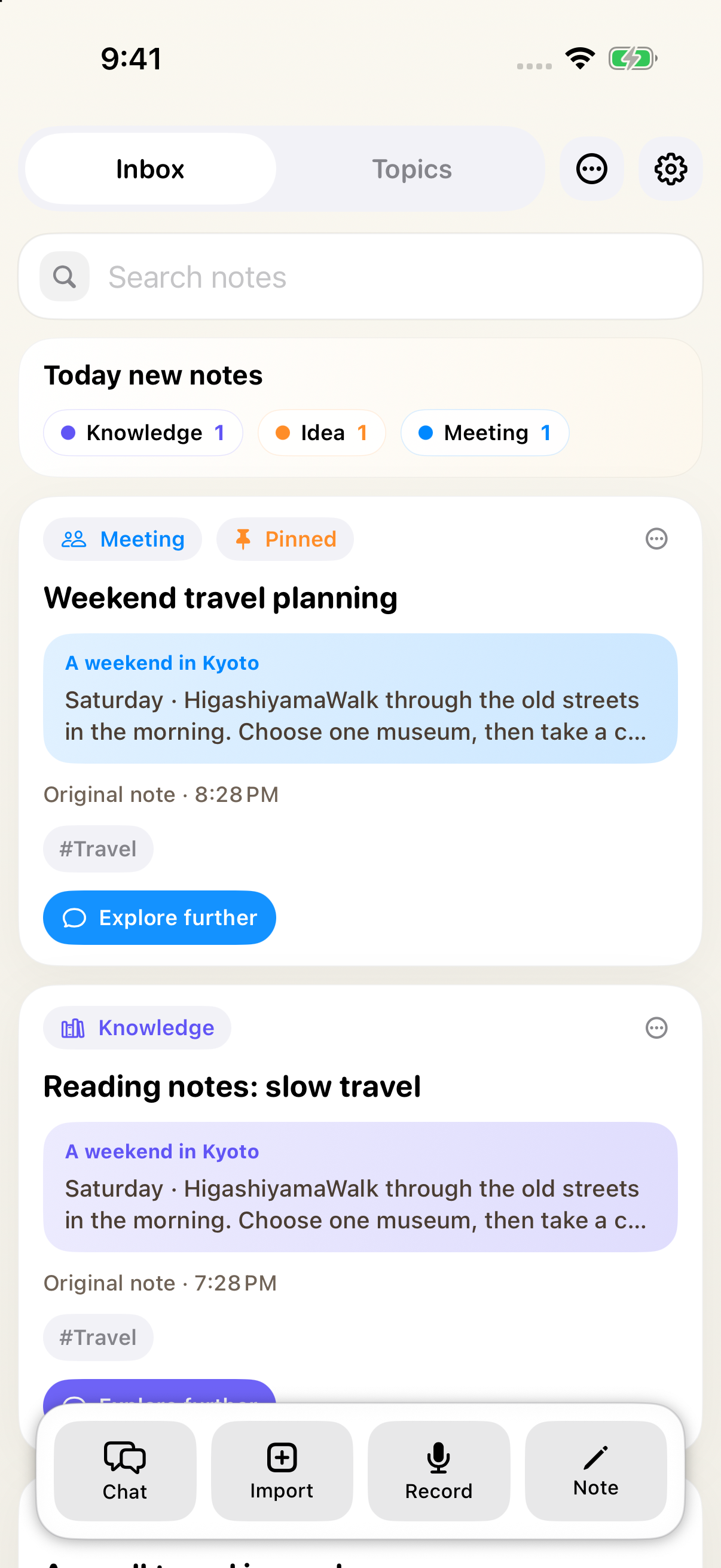
- Open AnyNotes+, choose Note, write a thought, and save it.
- In Settings > AI Service, enter your OpenAI API key or sign in with Codex. AI features on iPhone and iPad also require AnyNotes Pro.
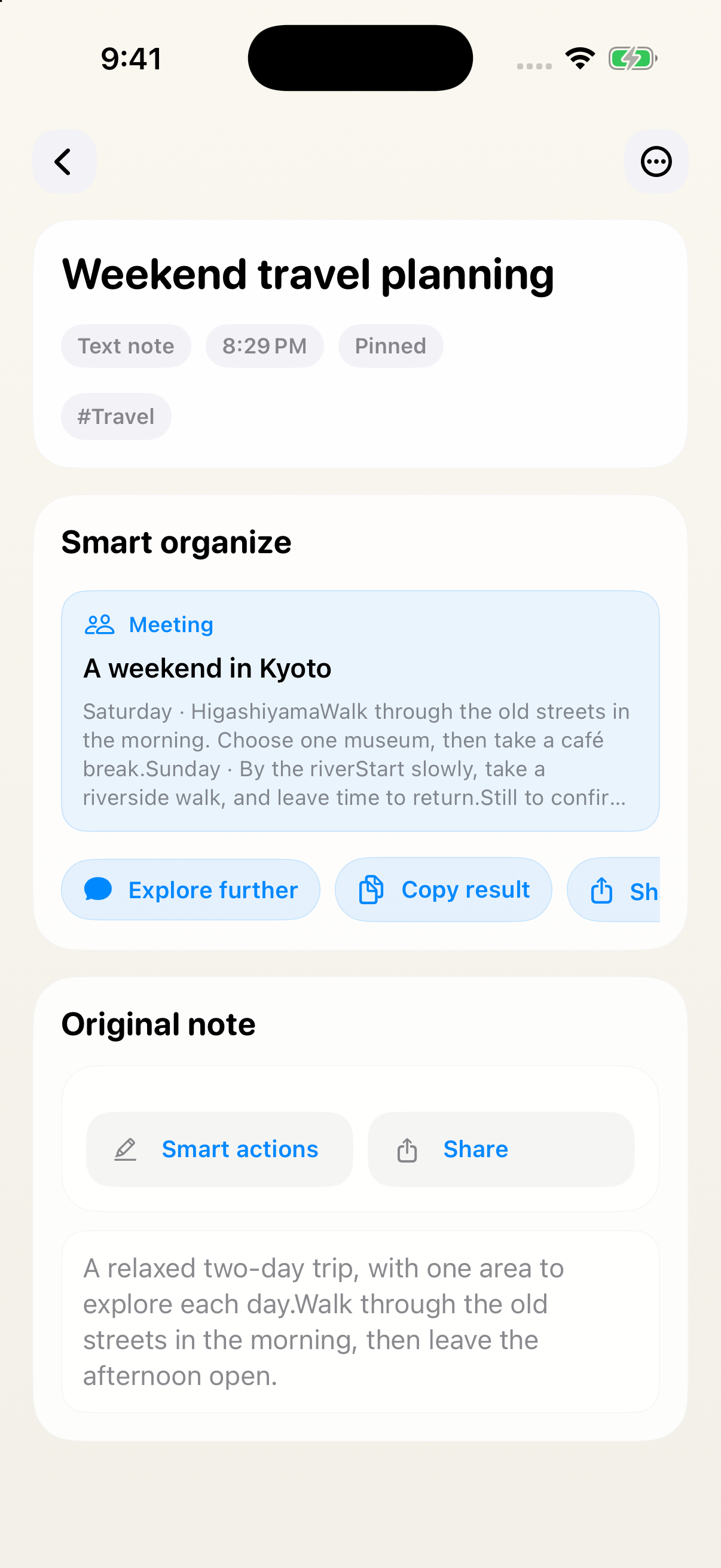
- Read the organized title, summary, result, and next steps. Saving the original and AI processing are separate; failed processing can be retried later.
- Choose Explore further to continue a conversation with the note as context.
- Add related material to a Topic so you can develop it together.
| Platform or feature | Requirements |
|---|---|
| iPhone / iPad AI features | AnyNotes Pro and a working API key or Codex sign-in |
| Mac | No AnyNotes Pro requirement; an AI account is still needed |
| Live recording insights | iOS, API-key mode, and a service and network that support live transcription |
| Calendar, reminders, photos, health, and location tools | iOS with permission for each source; alarms and timers require iOS 26 or later |
AnyNotes Pro and AI service usage are separate. Free TestFlight subscriptions do not make your configured AI service usage free. Models and some capabilities depend on your account and service.