
Travel & daily planning
Hotel screenshots are in one place, a friend’s suggestions in another, and transport details on a web page. Before you can plan a day, you first have to gather everything again.
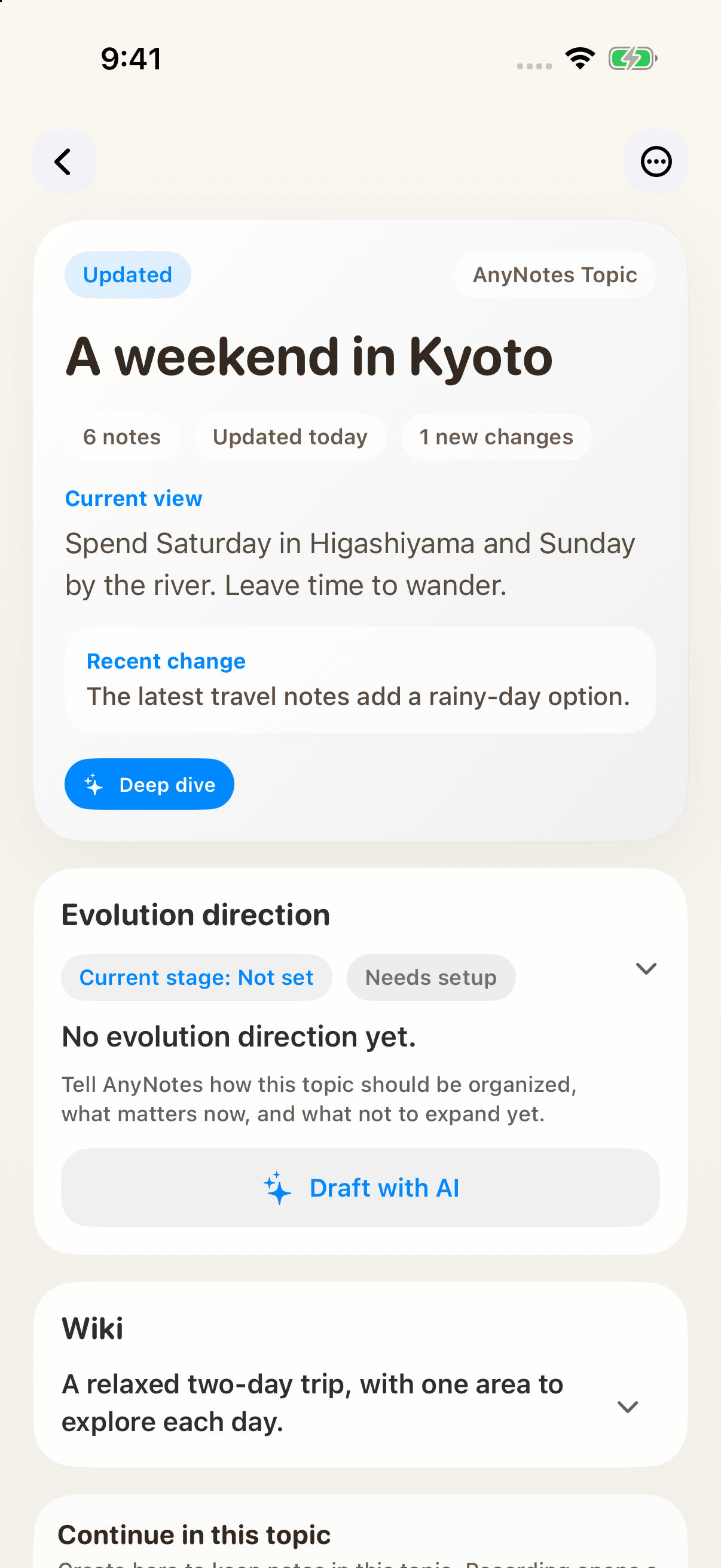
Give the trip a Topic so the sources and the conversation stay together. For a two-day weekend in Kyoto, start by deciding how you want to spend the time, then make an itinerary your companions can use and arrange the remaining bookings.
Collect before you schedule
Create a Kyoto weekend Topic. Add attraction pages, accommodation details, transport notes, and suggestions from friends. An option does not have to be decided before you save it.
If you are planning aloud together, record the discussion from the Topic. Later, you can revisit why you ruled out a particular hotel or route.
Explain what a good trip feels like
Before asking for a complete itinerary, put your actual preferences in the direction:
We have Saturday and Sunday and do not want to change hotels each day. Keep one main activity in the morning and one in the afternoon, with time to walk or stop for coffee. Nobody wants to rush. Include indoor alternatives for rain. Compare routes first rather than filling every hour.
Add fixed dates, budget, and travel times. Leave undecided details marked as undecided instead of inventing times to make the plan look complete.
Choose the route before the details
Open a text or live voice conversation from the Topic:
Suggest two routes using this material. Keep each day in roughly the same area and explain what each option leaves out. Include wet-weather alternatives. Mark opening hours and prices that are not supported by the material as needing verification.
Pick a direction, then discuss hotel location, reservations, transfers, and breaks. It is easier to adjust this way than to untangle an ambitious timetable you never wanted.
Make something your companions can open
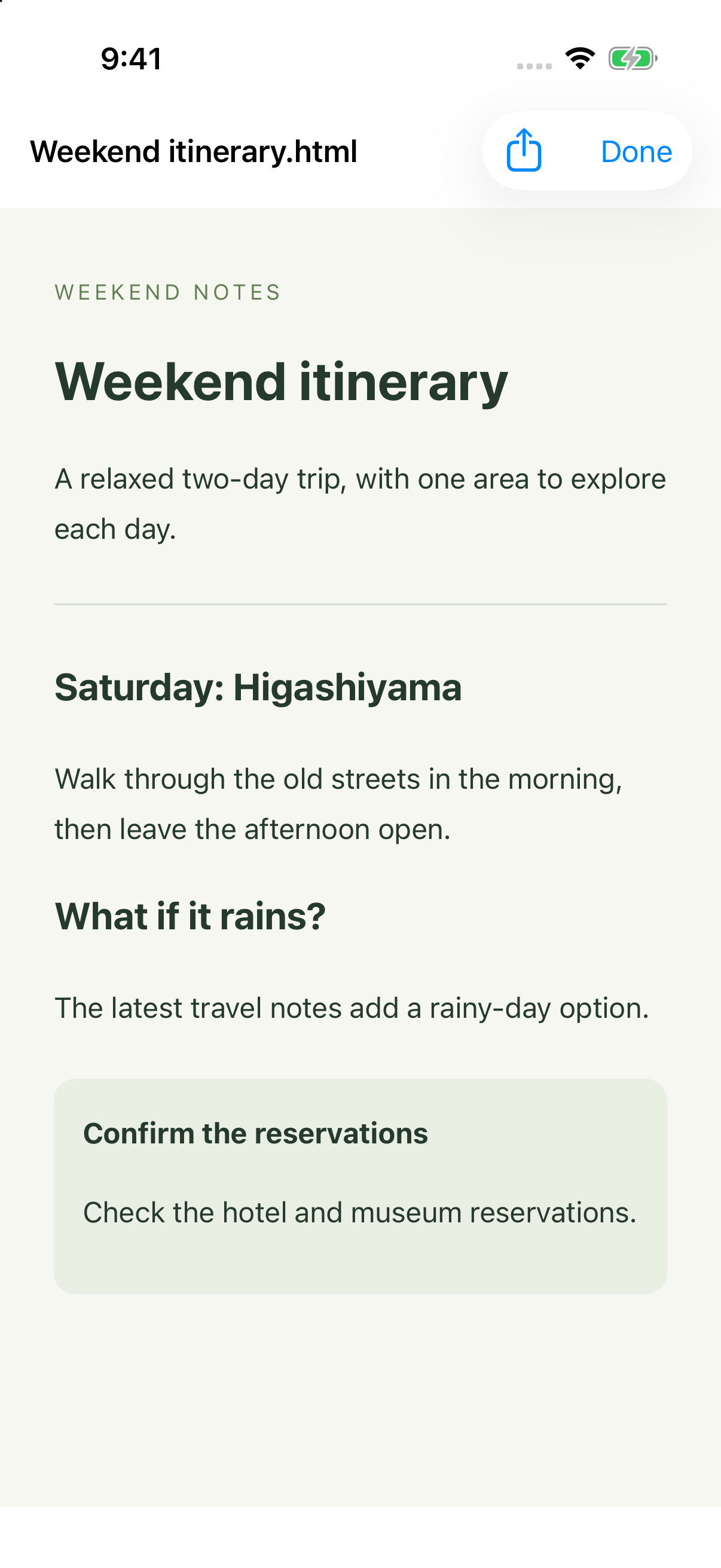
Once the route is settled, save an itinerary as a Topic outcome and generate a file in chat when you want to share it:
Make the chosen route into an itinerary that is easy to read on a phone. Separate the days and include places, travel order, advance bookings, and rain alternatives. Put unconfirmed details together at the end so we can fill them in.
Open the actual file. Check dates, place names, and whether someone can distinguish booked arrangements from ideas. Share the checked version, and export again if the plan changes.
Keep preparations out of the main itinerary
Booking tickets, checking confirmation emails, and packing do not all need to fill the itinerary itself. On iOS, allow calendar and reminder access where needed, then request the arrangements that matter.
“Remind me Thursday at 8 p.m. to check the booking emails, with a notification” is more useful than “remind me about the trip.” Review the date, time, and notification before confirming. Fixed arrangements fit a calendar; things you still need to do usually fit reminders.
Saved opening hours, prices, and transport details can become outdated. Check official information before booking, and use the booking service’s confirmation to establish whether a reservation succeeded.
Moving home, planning a gathering, or organizing a weekend can follow the same approach: gather the material, explain the constraints, choose a plan, and separately schedule the things you must do on time.