
App Tools & Shortcuts
Manage connections in Settings > Tools & Skills > App Tools. An action needs its target app installed, its switches enabled, and required configuration completed.
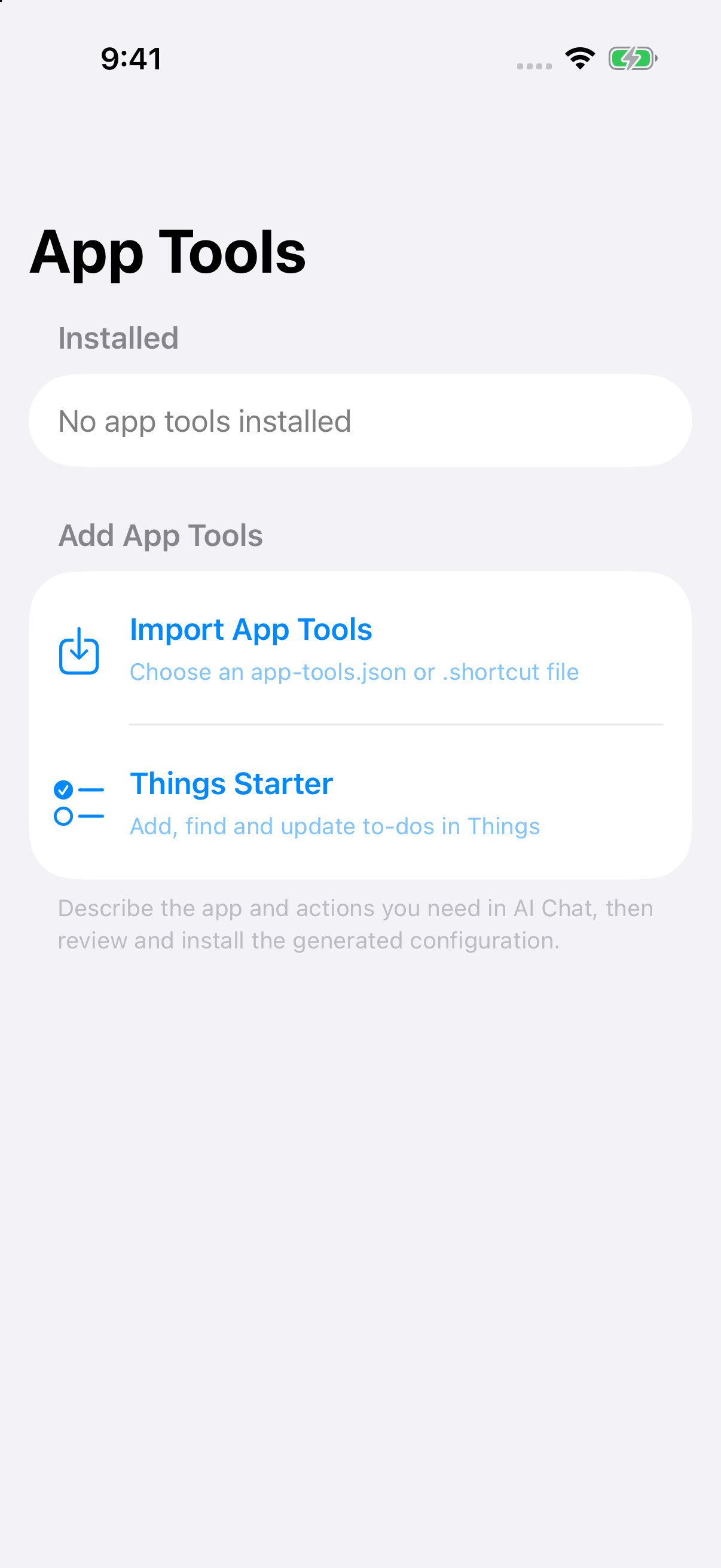
Connect an app: Describe the app and operation in AI Chat and ask it to prepare a tool configuration. Open the generated file, review its actions and configuration needs, then install and enable it. The target app must provide a supported link or action entry.
Connect an existing Apple Shortcut:
- Install the shortcut in Apple’s Shortcuts app and check that it works.
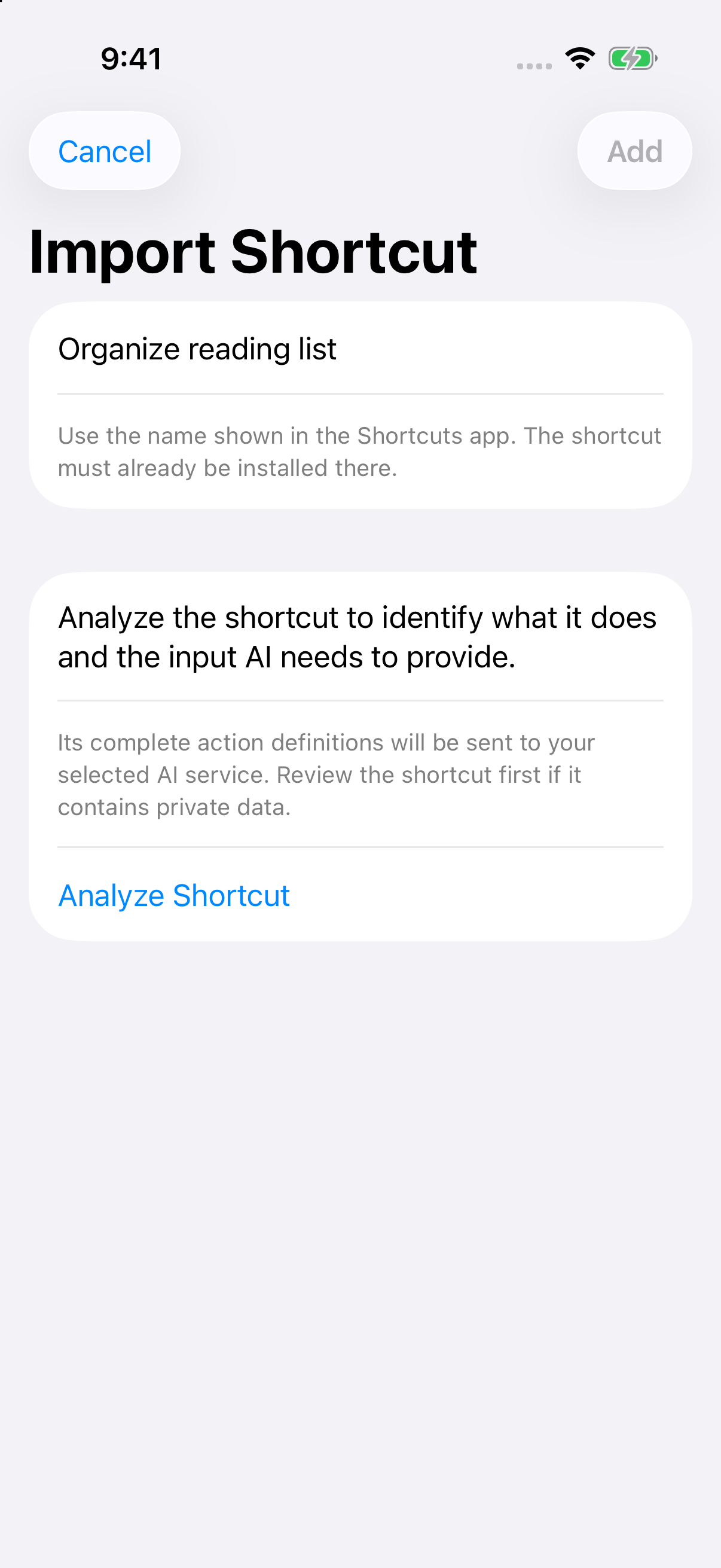
- Share its
.shortcutfile with AnyNotes or import it in App Tools. - Check the installed name and run the analysis. The complete action definition is sent to your selected AI service to identify its purpose and external inputs.
- Review the analysis, add and enable the tool, then request it by name in AI Chat.
Run my “Organize reading list” shortcut using the three articles we just discussed.
Importing neither runs the shortcut nor installs it in the system. Execution follows the confirmation flow; supported text results return to the conversation. Reimport after renaming or changing a shortcut. “Opened” means the app was opened; if the outcome is unconfirmed, check the target app before retrying.